How to Redeem Loot To Forge Codes
Exact redemption flow, common errors, and what to do with rewards after a successful claim.
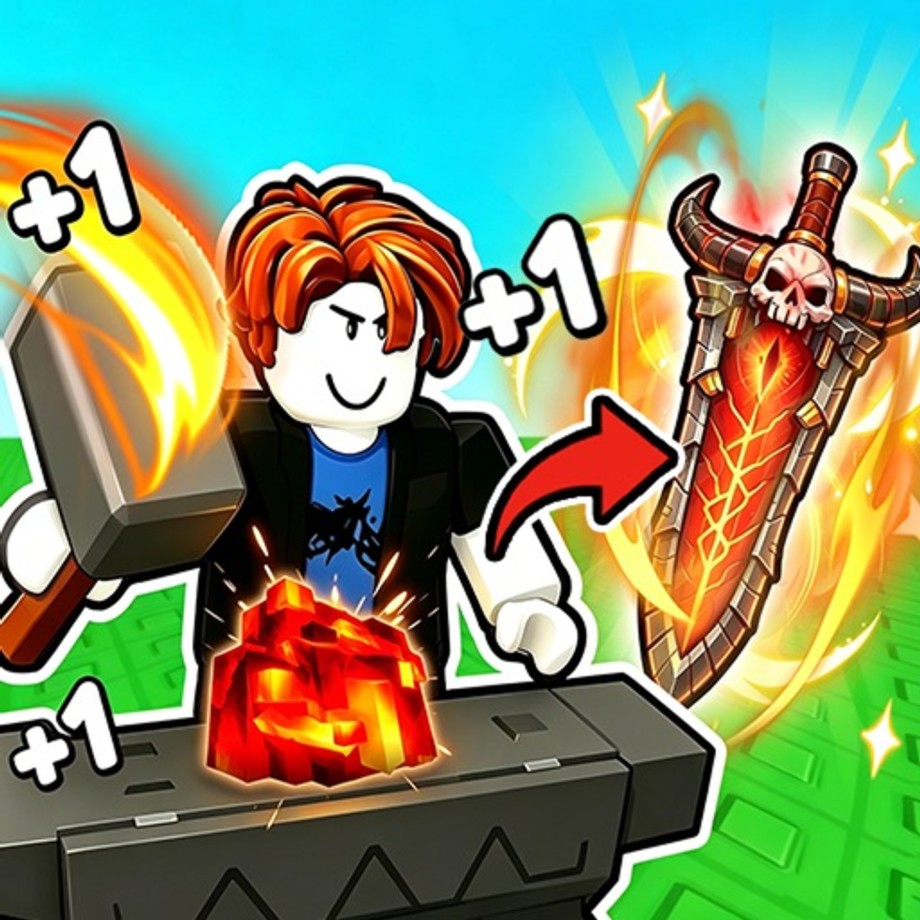
Redeeming codes in +1 Loot To Forge is simple once you know where the panel lives and how the game treats typos, expired strings, and already-claimed gifts. This guide walks through the full flow for Good Bro Studio’s Roblox incremental dungeon simulator, including what to do when no public codes are currently confirmed, how to prepare for the next Discord or group drop, and how to turn rewards into Power, forge progress, and cleaner dungeon clears.
If you only need the live list, start at the Codes Hub. Come back here whenever a new string appears and you want a zero-friction claim.
Before you redeem
- Launch the correct experience — open Loot To Forge from Roblox (the free-to-play title released around 12 August 2026).
- Finish any forced tutorial prompts so hub interactables are unlocked.
- Copy the code exactly from a trusted source. Do not retype from memory if the string mixes letters and numbers.
- Clear leading or trailing spaces after pasting into chat apps; many failed redeems are invisible whitespace.
- Know your goal — Coins for backpack upgrades, ores for the Forge, or consumable boosts. Planning spend before you claim reduces impulse mistakes.
Controls refresher while you move through the hub: WASD to move, Space to jump, E to interact, Q for skill, and LMB to attack in the hub. Full detail lives on the controls guide.
Step-by-step redemption
1. Reach the hub safely
If you are mid-dungeon, finish the stage or retreat intentionally. Loot To Forge’s dungeon combat auto-attacks enemies, but bag capacity still matters: a full bag means you may sell surplus for Coins before claiming more loot-like rewards. When enemies take more than about four hits, retreat to train or forge instead of forcing a bad clear—see the dungeon guide.
2. Open the Codes / Gifts UI
From the hub, look for a Codes, Gifts, Twitter/X, or Shop-adjacent button (labels can shift slightly after patches). Interact with E if it is a world prompt, or click the HUD icon. If the UI is missing, rejoin the server once; Roblox sessions occasionally fail to load shop modules.
3. Paste and submit
Paste the code into the text field. Submit with the on-screen Redeem / Claim button. Successful claims usually show a toast, popup, or inventory flash. Failed claims often return a short reason: invalid, expired, or already redeemed.
4. Verify inventory and currencies
Open your bag and currency displays. Confirm Coins, ores, or items actually arrived before you leave the server. If the UI lied, rejoin and check again before assuming the code is dead.
5. Spend with the loop in mind
Loot To Forge rewards players who respect the loop: train Power → clear linear stages → collect ores/loot → forge weapons/armor → enchant → upgrade backpack → Rebirth for permanent Power and Coin multipliers. A code should accelerate that loop, not distract from it.
What to do when there are no active codes
As of research, no confirmed active public codes are listed. Use that quiet period productively:
- Follow the official Discord and Roblox group so you see drops the minute they post.
- Keep this wiki bookmarked via the Codes Hub and wiki overview.
- Push natural progression with Getting Started, how to forge, and enchant and upgrades.
- Watch Updates and latest notes for patch-day code chances.
When a code finally appears, redeem within the same session if possible—limited claims and short expiry windows are common in Roblox simulators.
Common redemption errors and fixes
Invalid code — Recheck capitalization. Many codes are case-sensitive. Remove spaces. Confirm you did not mix 0 and O or 1 and l.
Expired code — Milestone and event codes can die in hours. Cross-check the Codes Hub instead of old screenshots.
Already redeemed — Each Roblox account usually gets one claim. Alts are separate accounts; do not expect shared inventory.
UI will not open — Soft rejoin. Disable overlapping free-camera or executor overlays if you use tools. Ensure you are not in a cutscene or locked tutorial state.
Rewards missing — Wait a few seconds, reopen inventory, then rejoin. If still missing, the code likely failed silently—try once more, then move on.
Smart spend after a successful claim
Coins
Bag capacity limits how much dungeon loot you keep. Selling surplus for Coins is fine, but upgrading carry capacity early reduces painful sell loops. After a Coin gift, buy bag upgrades before luxury cosmetics.
Ores and forge materials
Take materials to the hub Forge. Weapons are Katana and Greatsword; skills depend on weapon type plus materials. Rarities climb Common → Rare → Epic → Legendary. Armor and Helmets come from the Armor tab with RNG on which piece you receive; both raise Power. Use the weapon tier list, armor tier list, and Tier List Hub before sinking rare ores into a dead-end craft.
Enchanting and upgrades
Visit the Enchants station after forging so Power gains stick through harder stages, including areas like Frost Tower. Details are on enchant and upgrades.
Rebirth timing
Rebirth resets Power to 0, grants permanent bonuses, and unlocks better training dummies. There is no multi-rebirth stacking at once—Rebirth ASAP at 100% and avoid overtraining. Codes that dump temporary Power can tempt you to delay; do not. Read the rebirth guide before you sit on a full meter.
Codes, scripts, and account safety
Redeeming official codes is safe. Running third-party scripts is not risk-free. If you still explore automation such as Ouroboros Hub (keyless features like Auto Train, Auto Forge, Auto Farm Dungeon, Auto Rebirth, ore filters, sell filters, and upgrades), read the Scripts Hub, Ouroboros Hub page, and how to execute first. Never paste random loadstrings from strangers in chat while you are trying to redeem a code—keep the two workflows separate.
Post-redeem session plan (10–15 minutes)
- Claim the code and confirm inventory.
- Upgrade backpack if you were near capacity.
- Forge or enchant only if materials match your next clear bottleneck.
- Train Power on the appropriate dummy for your Rebirth tier.
- Enter the dungeon; retreat if hits-to-kill climb past roughly four.
- Sell only true surplus; keep ores earmarked for the next weapon or armor craft.
- Rebirth at 100%, then resume training with the new permanent multipliers.
For broader strategy beyond gifts, browse Players and progression tips. For the full map of articles, use the Guides Hub and wiki overview.
Related links
Redeem quickly, spend deliberately, and let codes accelerate the same fundamentals that already make Loot To Forge feel good: train, clear, loot, forge, enchant, bag up, and Rebirth on time.
Frequently Asked Questions
Quick answers to the most common Loot To Forge questions.
Where is the codes button in Loot To Forge?
Look for a Codes, Gifts, or shop-related HUD/world prompt in the hub. Interact with E or click the icon. Soft rejoin if the panel fails to load.
Why does my code say invalid?
Check capitalization, remove spaces, and confirm the code has not expired. Many Roblox codes are case-sensitive and short-lived.
Can I redeem the same code twice?
Usually no. Each Roblox account gets one successful claim per code. Already redeemed messages mean that account already used it.
What if no codes are working right now?
As of research, no confirmed active public codes are listed. Watch Discord, the Roblox group, and the Codes Hub for the next drop.
Should I Rebirth right after claiming a Power-related reward?
If you are at 100% Rebirth progress, yes—Rebirth ASAP for permanent bonuses. Do not overtrain past the threshold just because a code padded temporary Power.