Loot To Forge Controls Guide
Movement, hub training attacks, dungeon skills, and interaction keys for forge and shops.
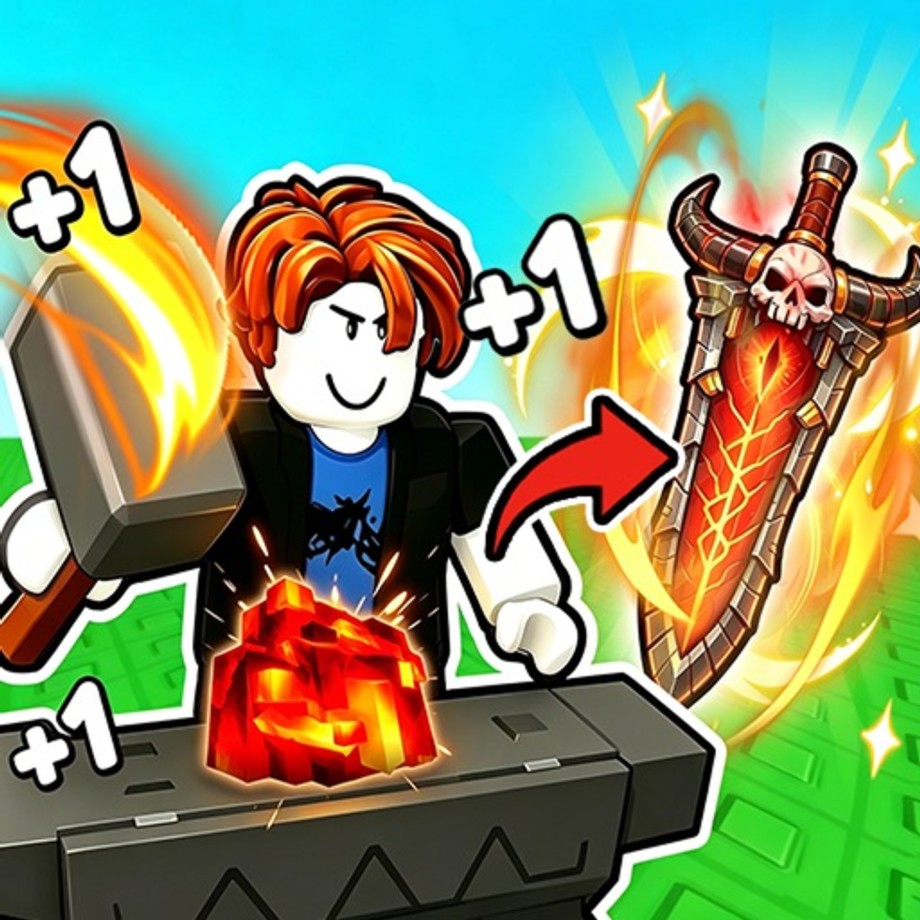
Learning the controls in +1 Loot To Forge takes a minute, but using them in the right context saves hours. Hub training, dungeon auto-combat, forge interactions, and menu navigation each lean on a small key set. This page lists the core inputs, explains when left mouse button matters versus dungeon auto-attack, and ties the keyboard layout to the real progression loop of training, clearing, forging, and Rebirthing.
If you still need the big-picture route, start with getting started. Come back here whenever you forget which key opens the forge or why hub clicking feels different from dungeon fights.
Core keyboard and mouse controls
Use these defaults on keyboard and mouse:
- W, A, S, D — Move your character through the hub and the linear dungeon.
- Space — Jump. Useful for navigation in the hub and for small positioning adjustments in stages.
- E — Interact. This is the key for the forge, vendors, and other hub stations you need for crafting and upgrades.
- Q — Skill. Fires the skill tied to your forged weapon type and materials when it is available.
- Left mouse button (LMB) — Attack in the hub for manual Power training on dummies and training targets.
That is the entire essential set. You do not need a huge hotbar to play well. You need to know that LMB training is a hub habit, dungeon damage is largely auto-attack once you engage, E is how you convert ores at the forge, and Q is your burst button during clears.
Hub training versus dungeon combat
In the hub, Power training is active. Walk to training targets or the auto-training area. Manual training uses left mouse button attacks to raise Power. Auto-training exists for hands-off gains when you want progress while managing menus or watching the Rebirth percentage. Both paths feed the same Power stat that decides dungeon clear speed.
In the dungeon, combat shifts toward auto-attack. Your job becomes movement, looting, deciding when to retreat, and pressing Q for skills. Players who keep frantically clicking as if every swing must be manual often ignore bag capacity and stage scaling. Watch enemy hit counts instead. If packs need more than about four hits, leave and train or forge; the dungeon guide covers that rule in depth.
Interaction workflow with E
E is the quality-of-life key that turns loot into progression. After a dungeon extract, walk to the central forge and press E to open crafting. Choose weapon paths such as Katana or Greatsword, spend ores, then use the armor tab for helmet versus armor RNG rolls that grant Power boosts. When you need Coins, interact with sell options for surplus. When you need capacity or enchants, interact with the relevant upgrade stations and spend Coins there.
A clean post-run control flow looks like: move to forge (WASD) → E to craft → optional sell interact → open upgrade or enchant UI → return to training or dungeon. Prefer forging ores over selling them early, then spend Coins on enchants and backpack upgrades as described in how to forge and enchant and upgrades.
Skills with Q
Q triggers the skill associated with your current weapon identity. Skills come from weapon type plus the materials you forged into that piece, so changing crafts can change what Q feels like. Use Q during dungeon packs when the cooldown is ready, especially on sticky enemies near your retreat threshold. Skills are not a replacement for Power and rarity; they are a multiplier on a loadout that is already close to viable.
If Q feels weak, the fix is usually a better forge result or more Power, not spamming the key harder. Check rarity goals and material investment, then test again on the same stage.
Camera, menus, and Rebirth UI
Standard Roblox camera controls apply: move the camera so you can see training dummies, the forge, and dungeon corridors clearly. Keep the Rebirth button and percentage visible on the left while you train. When it hits 100%, open Rebirth and confirm instead of burying the menu under more LMB clicks. Overtraining past a ready Rebirth wastes permanent Power gain rate and Coin bonuses—controls discipline includes looking at that UI. Full prestige timing is in the rebirth guide.
On smaller screens or with UI scale changes, make sure interact prompts for E still appear near the forge. If you cannot interact, step closer and face the station before assuming a bind broke.
Controller and accessibility notes
Many players use keyboard and mouse for simulators because LMB training and precise menu clicks are comfortable that way. If you use a controller through Roblox, map movement, jump, interact, skill, and attack to the closest face buttons and triggers you can remember, then test hub training and forge interacts before a long session. Exact controller maps can vary by device, so treat the PC list above as the source of truth for what actions must exist.
Practice routine to lock in muscle memory
- Spawn in the hub and find training targets.
- Hold movement with WASD and raise Power using LMB or stand in auto-training.
- Glance at Rebirth percentage; reset at 100% when ready.
- Enter the dungeon, let auto-attack work, and press Q on cooldown.
- Leave on a full bag or when kills exceed roughly four hits.
- WASD to the forge, press E, craft, sell surplus only after forge needs are met.
- Repeat until the keys feel automatic.
Why controls knowledge speeds progression
Every wasted second looking for the forge or forgetting that hub damage is LMB is a second not spent converting thresholds into Rebirths. Efficient players chain inputs without thinking: train, clear, E forge, upgrade bag, Rebirth, train again. That chain is the game.
Use codes when free rewards appear, compare loadouts on the tier list, read community notes under players, and watch updates if binds or UI prompts change after a patch. Be careful with anything listed on scripts; third-party tools can violate Roblox rules and are unrelated to learning legitimate controls.
Master WASD, Space, E, Q, and hub LMB, then spend your attention on Power, forge rarity, bag space, and Rebirth timing. The keyboard is simple on purpose—the depth is in what you interact with and when you walk away from a stage.
Frequently Asked Questions
Quick answers to the most common Loot To Forge questions.
What are the main controls in +1 Loot To Forge?
WASD to move, Space to jump, E to interact, Q to use your skill, and left mouse button to attack while training in the hub.
Do I need to click to attack in the dungeon?
Dungeon combat is largely auto-attack once you engage enemies. Use movement, Q for skills, and focus on looting and retreat decisions.
How do I open the forge?
Go to the forge in the hub and press E to interact, then spend ores on weapons or the armor tab.
What does Q do?
Q activates the skill granted by your forged weapon type and materials. Use it during dungeon packs when available.
Where do I train Power manually?
In the hub, use left mouse button on training targets, or use the auto-training area for hands-off Power gains.